
Ririko AI
Meet your server's new best friend: an AI companion who plays, chats and keeps the peace.
You may not need another Discord bot after this.
- slash and prefix commands
- 117
- categories
- 11
- open source, self-hosted
- MIT
01
Meet Ririko
Say hi, play a song or grab a card. This is a live demo of the bot in a chat channel: type a command or press a button. Nothing you type leaves this page.

general
02
What Ririko can do
Cards, music, AI chat and a whole server toolbox. Every command works as a slash command or with a prefix.
Waifu TCG
Collect anime cards, trade with friends, craft gear and take on dungeon bosses.
Read the player guide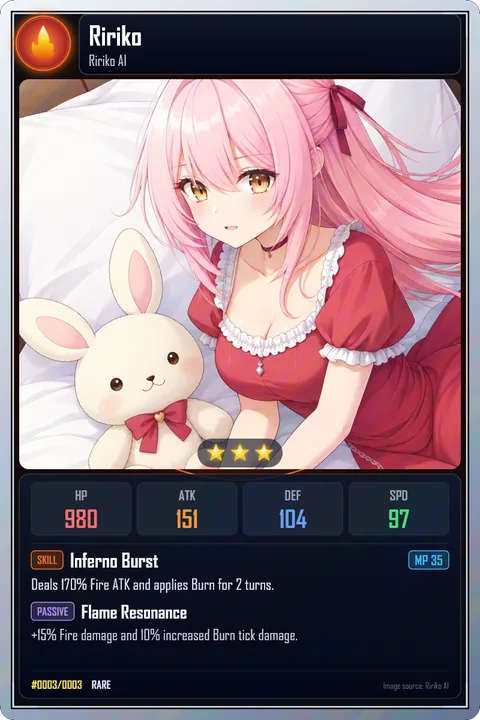
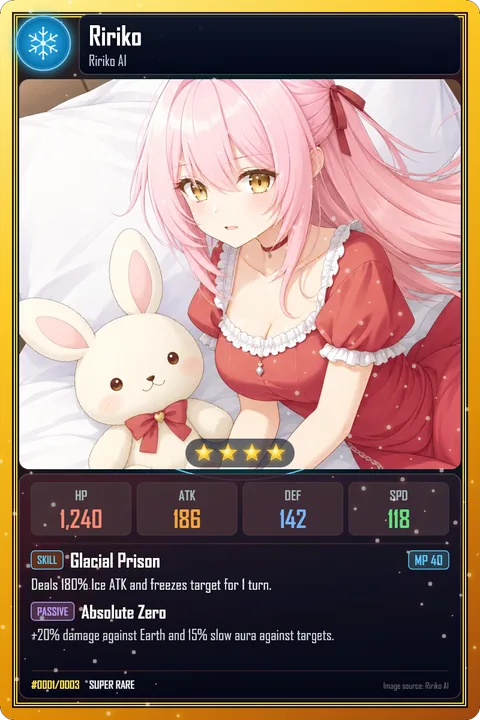
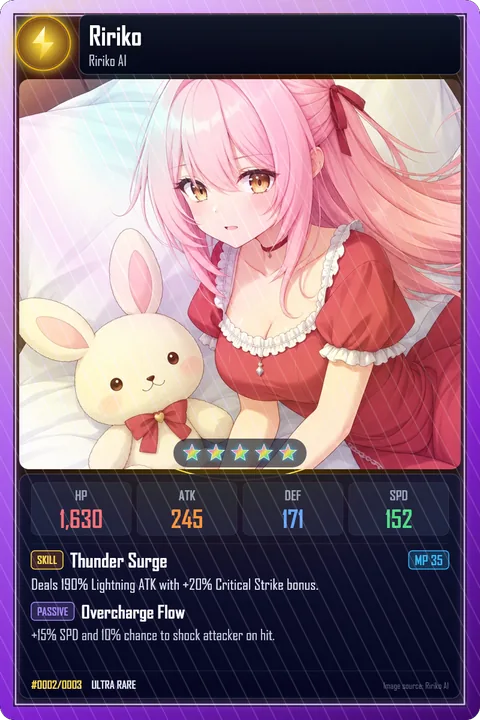
Rare, Super Rare and Ultra Rare cards of Ririko.
Music
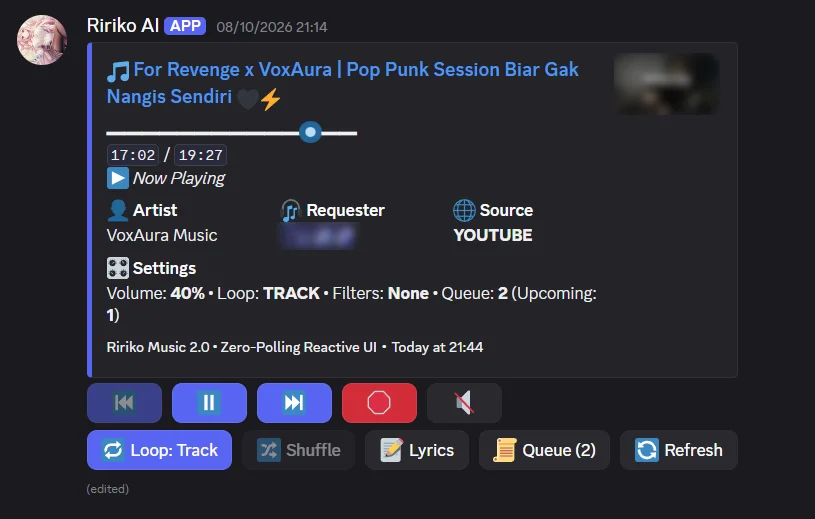
Play from YouTube, Spotify links, SoundCloud and more, with a queue, filters and a live player message.
Read about musicAI chat and images
Talk to Ririko with Gemini, OpenAI or a local Ollama model. Translate text and generate images.
Read about AI chat and imagesEconomy and levels
Earn credits and XP, claim a daily reward, shop, and climb the server ranks.
Moderation
Warnings, timeouts, bans with case history, AutoMod filters and raid alerts.
Mini-games and fun
Tic-Tac-Toe, rock-paper-scissors, giveaways, reaction GIFs and meme generators.
All 117 commands, by category
Open the command reference03
Yours to run
Ririko is open source. Run your own copy, keep your data, and change what you want.
- MIT license
- Free and open source. You only pay for the services you choose to connect, such as a hosting machine or an AI provider key.
- Docker
- Run it with Docker and Compose. Your data stays on your own machine.
- SQLite or PostgreSQL
- Your data lives in your own database, and secrets never go into it in plain text.
- Setup wizard
ririko setupopens in your browser, guides you through the Discord application, checks your values and writes.env.production.- 1.4 migration
- The migration tool moves your 1.4 database to 2.0 safely and can be run again without harm.
- Dashboard
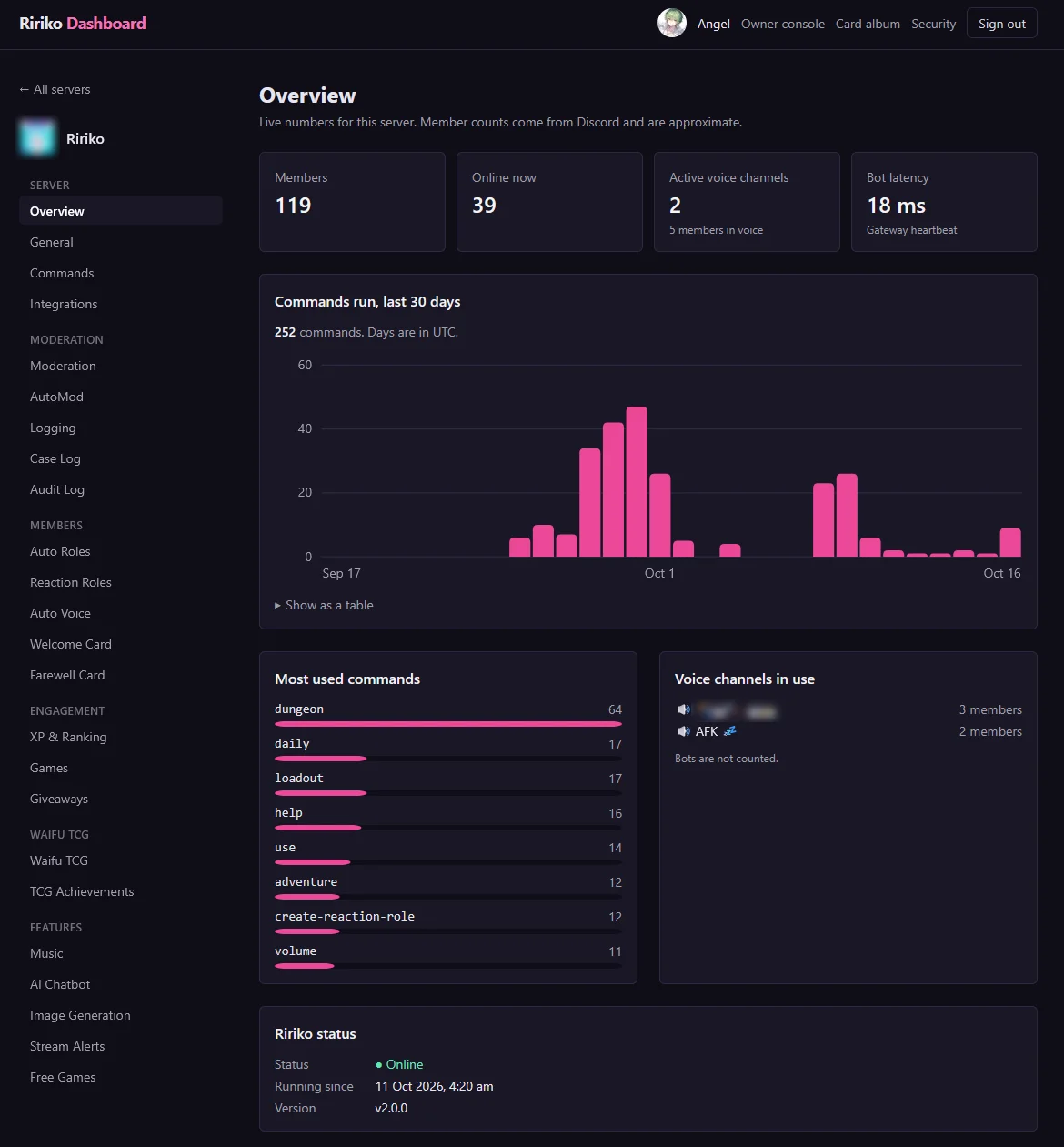
- Manage every module of your server from a browser, signed in with Discord or a passkey.
Quick start
You need Docker 23 or newer with Compose v2, Git and a Discord account. These are the first three steps of the README.
Clone the repository and check out the release
git clone https://github.com/RirikoAI/RirikoBot.git cd RirikoBot git checkout v2.0.0Run the setup wizard
docker run --rm -it -p 127.0.0.1:3999:3999 -v "$PWD:/setup" ririkoai/ririkobot:2 ririko setup --docker --env-file /setup/.env.production --listen 0.0.0.0 --no-openStart the stack
docker compose -f docker-compose.production.yml --env-file .env.production up -d
Then add the bot to your server and register the slash commands. The guide Deploy Ririko With Docker explains every step.
04
Get started
Run your own
Follow the Docker guide and have your own copy of Ririko running.
Join the support server
Ask for help, ask for news, or just chat.
Browse the commands
117 commands, each with its options, examples and permissions.
There is no public invite link yet: it opens when 2.0 launches. Until then, run your own copy.
Questions people ask
Cannot find your answer? Ask in the support server.
What is Ririko AI?
Ririko AI is an open source Discord bot with music, AI chat, moderation, an economy, a card game and a web dashboard. Version 2.0 is a full rewrite of Ririko 1.4 that keeps every command you know.
Is Ririko free?
Yes. The bot is open source under the MIT license. You only pay for the services you choose to connect, such as a hosting machine or an AI provider key.
How do I add Ririko to my server?
There is no public invite link yet: it opens when 2.0 launches. Until then you can run your own copy by following Deploy Ririko With Docker, and ask for news in the support server.
Do I use slash commands or a prefix?
Both work. Every command has a slash form and a prefix form (the default prefix is !, and each server can change it). See the command reference.
I use Ririko 1.4. Can I move my data?
Yes. The migration tool moves your 1.4 database to 2.0 safely and can be run again without harm. Start with Upgrade From Ririko 1.4.0 to 2.0.
What happens to my data?
A self-hosted Ririko keeps its data in your own database, and secrets never go into it in plain text. Read the Terms and the Privacy Policy.
How can I help?
Report a problem or send a pull request on GitHub. The contributor guide explains the rules.